.png)
Share Computer Audio
How do I share my computer audio?
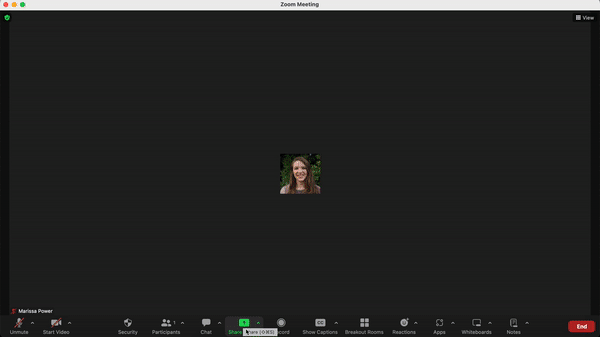
In an effort to mitigate an echo and other technical difficulties, it is required to share your computer audio through Zoom before playing back the audio. To share audio follow the steps below:
- Step 1 At the bottom of the screen click Share Screen> Advanced Settings
- Step 2 In the top center of the pop up page click Computer Audio
- Step 3 Click Share at the bottom to confirm
Below is a video walkthrough of how to share your computer audio.