.png)
Spotlighting Witness
How do I spotlight a witness?
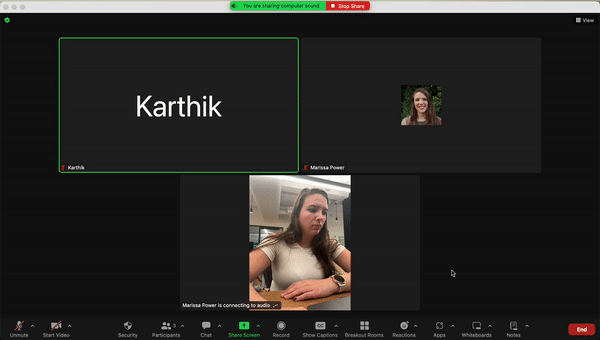
Spotlight video puts a user as the primary active speaker for all participants in the meeting and cloud recordings. To spotlight a speaker, you need at least 3 participants in the meeting with their video on. This can only be done by the host.
Step 1: Hover your cursor over the video of the witness
Step 3: Click the ellipsis at the top right of the video
Step 2: Click "Spotlight for Everyone"